Recommended Productivity Notta AI
Productivity
Notta AI
A transcription and meeting-notes tool for turning spoken conversations into searchable text and follow-up material.
Explore Notta AI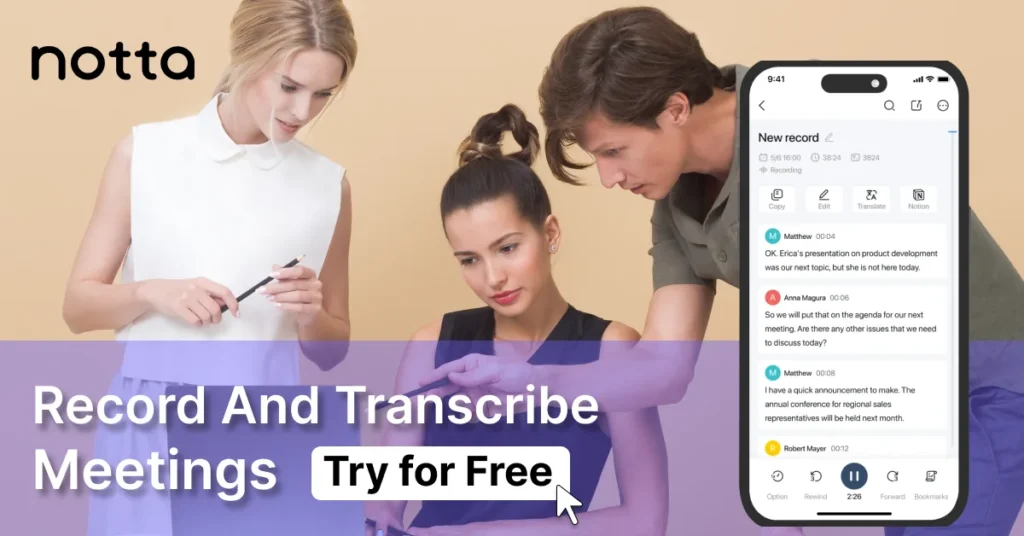
Best for
- Meetings, interviews and recordings that need searchable transcripts and follow-up notes
Not ideal for
- Occasional transcription that is already covered by another tool you use
Platforms
Web and supported meeting workflows
Pricing
Plans and limits may change.
Where Notta fits in a meeting workflow
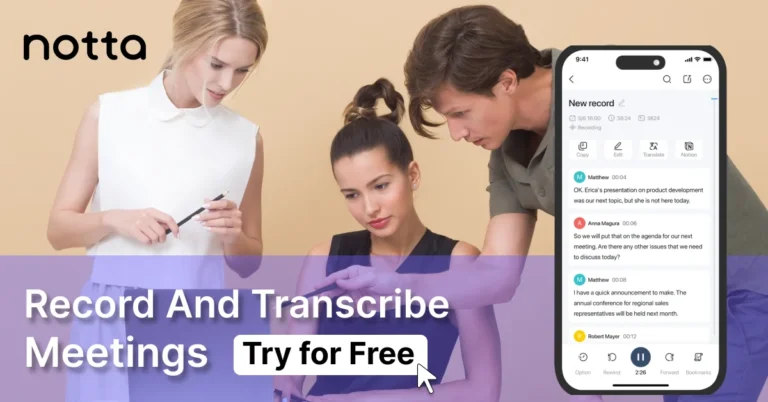
Notta is useful when the recording is only the start of the job. It can transcribe meetings and uploaded recordings, then turn the transcript into material that is easier to search, summarize and hand off.
The service supports common meeting workflows including Zoom, Microsoft Teams, Google Meet and Webex, and it can connect with tools such as Google Calendar. That makes it relevant for interviews, client calls and internal meetings where the transcript needs to become notes or follow-up work.
What to check before you rely on it
Transcription tools should be tested against the kind of audio you actually record. Accents, background noise, multiple speakers and specialist vocabulary can change the result, so a short real-world test is more useful than reading a feature list.
Plan limits also matter. Recording length, monthly minutes, exports, integrations and team controls vary by plan and can change over time. If you only transcribe an occasional call, check whether the free allowance or a tool already included in your meeting platform is enough.
Related Guides & Comparisons
Related guide
Notta AI Guide: Pricing, Features and Use Cases
Editorial guide to Notta for call notes and transcription: Free plan limits, dated pricing snapshot, comparisons, and when a separate tool is worth it.
Read guide