
Recommended Security & Privacy Keeper
Security & Privacy
Keeper
A password manager built around secure sharing, controlled access and team credential management.
Explore Keeper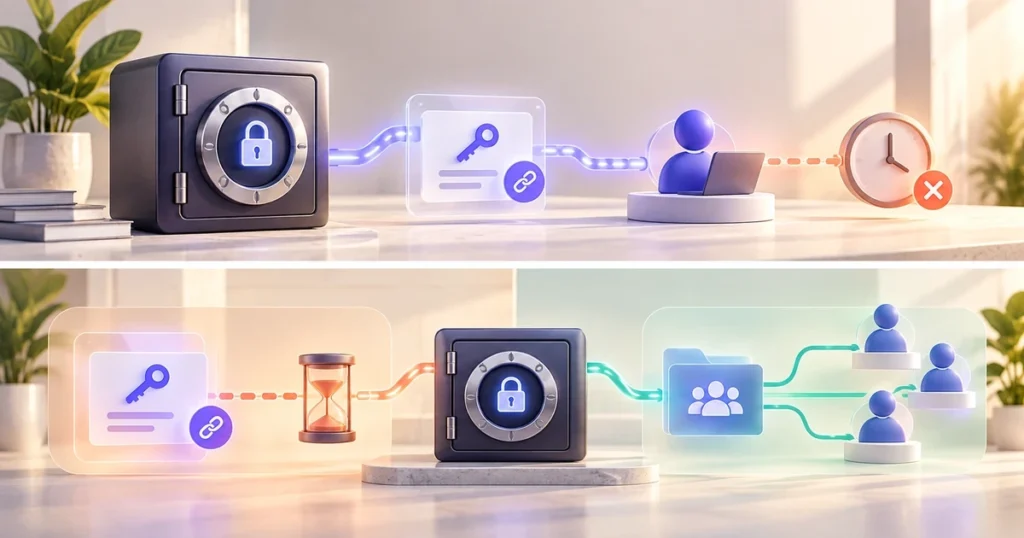
Best for
- Shared credentials, contractor access and small-team permissions
Not ideal for
- People who only need simple personal password storage
Platforms
Browser and mobile access
Pricing
Current plans and features vary.
Where Keeper earns its place
Keeper is most useful when password storage is not the hard part. The harder problem is deciding who should have access, how long they should have it, and how to take that access back cleanly.
Shared folders and record permissions make sense for teams that pass credentials between employees, contractors or clients. One-Time Share adds a different option: a time-limited link can be sent to someone who does not have a Keeper account. That is useful for temporary handoffs where permanent vault access would be excessive.
What to decide before choosing it
A solo user who only needs autofill and basic password storage may not need the access-control depth that makes Keeper interesting. Teams should compare the plan they are considering with the permissions, admin controls and reporting they actually need, because those features vary by plan.
The useful question is not whether Keeper has more controls. It is whether your workflow has credentials that move between people often enough to justify managing those controls.
Related Guides & Comparisons
Related guide
Keeper for Freelancers and Small Teams
Keeper stands out when password management becomes an access problem. Here is how One-Time Share, shared records and business controls fit freelancer and small-team workflows.
Read guide