
Password managers & privacy
Proton Pass for Freelancers and Small Teams: Privacy, Sharing and Pricing
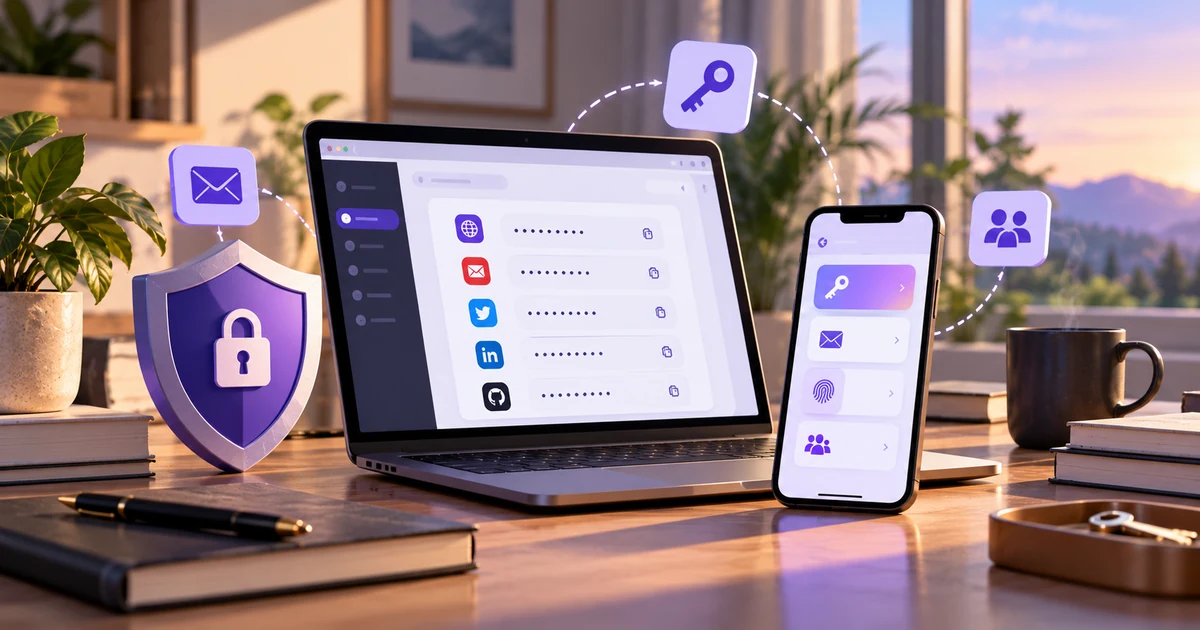
Proton Pass combines password management with email aliases, passkeys and secure
sharing. For freelancers and small teams, the useful question is not how many
features appear on a pricing page. It is whether those features make everyday
account management simpler when client logins, SaaS tools and shared credentials
are part of the work.
The password vault itself is familiar. The more interesting part is how Proton Pass
connects passwords with aliases, passkeys and sharing without turning them into
separate workflows.
A single freelance project can create accounts for hosting, DNS, analytics, WordPress,
design tools, automation services and whatever software the client already uses.
Six months later, many of those accounts still exist.
A dedicated password manager helps with the obvious part: generating strong credentials,
remembering them and making them available across devices. Proton Pass adds another layer
by letting aliases, passkeys and shared access sit beside those logins.
That does not automatically make it the right choice. Moving away from a password manager
you already trust still has a cost. The value comes from whether the additional tools solve
problems you actually have.
Quick take
I would put Proton Pass on a shortlist when several of these situations sound familiar:
- You create accounts for new services regularly.
- You would rather not give every website your primary email address.
- You want passwords and passkeys available across desktop and mobile.
- You occasionally share client or team credentials.
- You already use other Proton services.
- You prefer software with published security documentation and open-source apps.
The case is weaker when your current password manager works well and email aliases solve
no real problem for you.
The main differentiator
Email aliases change more than password storage does
Most password managers enter the picture after you have already decided which email
address to give a website. Proton Pass can step in earlier.
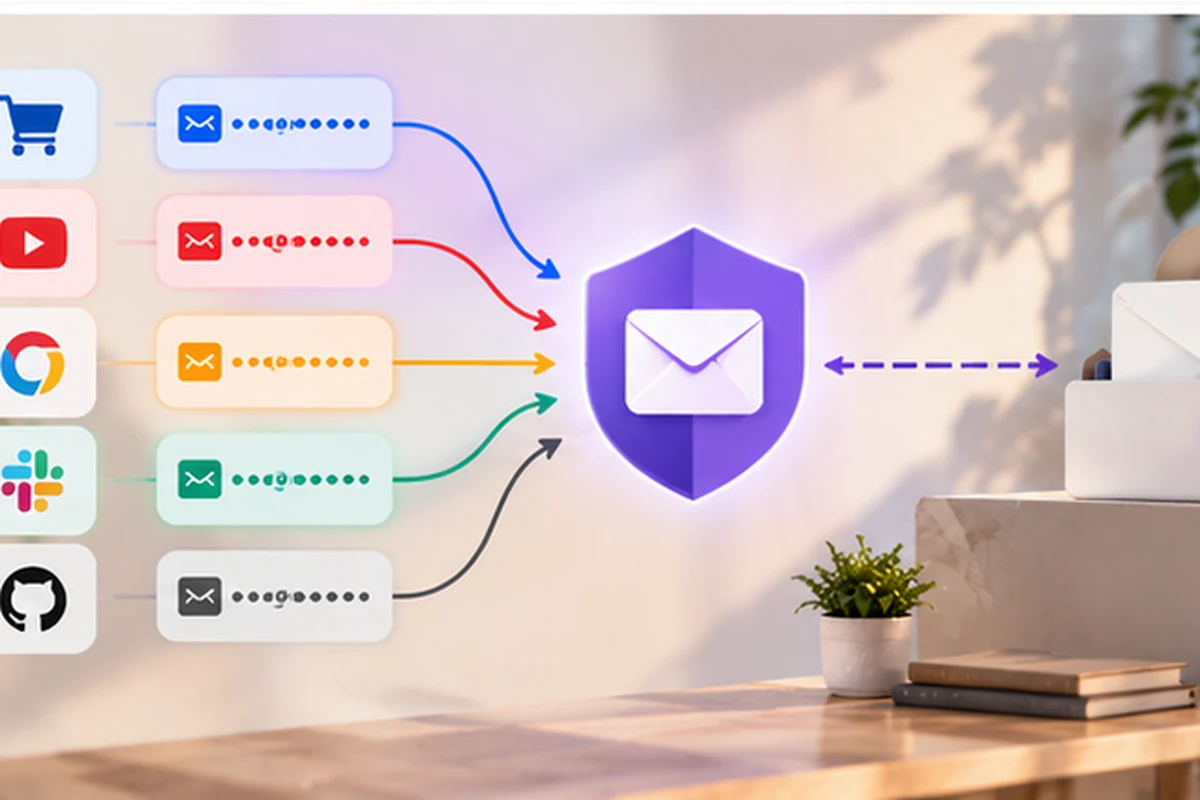
A hide-my-email alias is a separate address that forwards messages to your real inbox.
The shop, newsletter or SaaS platform gets the alias while your primary address stays
behind it.
This becomes useful when you want to try a service for one project and do not know
whether you will still use it three months later. Giving that service a unique alias
makes the relationship easier to cut later without changing the address you use
everywhere else.
Proton Free includes a limited set of hide-my-email aliases, while paid Proton Pass
plans expand the alias functionality and related controls. Current limits are best
checked against
Proton’s own Pass documentation.
I would not use an alias blindly for every account. A bank, tax portal and long-term
professional account may deserve a different decision from a short-lived trial.
inbox you actually use.
See what the current Proton Pass plans include
The free tier may already cover a simple workflow. Check the current options before
paying for features you may not need.
Passwords and passkeys can live in the same workflow
The basic password-management experience is familiar: Proton Pass stores logins,
generates passwords, fills credentials and synchronizes the vault across supported
devices.
If your credentials still live mainly inside Chrome, Safari or Edge, the more important
question comes before the choice of brand. Do you want the browser itself to remain the
primary place where passwords are stored?
I covered that decision separately in
my guide to password managers versus browser storage
.
Passkeys matter because more services now offer them alongside passwords. Proton Pass can
store and use passkeys, so older password-based accounts and newer passwordless logins can
remain inside one general account-management workflow.
You do not need to migrate every account at once. Testing the workflow on the sites you
actually use is more useful than converting a large vault before you know whether daily
autofill feels reliable.
Encrypted vault data
Proton describes Pass as using end-to-end encryption for vault data. That means the
security discussion is not limited to whether the connection to the server is
encrypted.
Open-source apps and audits
Proton publishes its Pass apps as open source and provides information about
independent security audits and the product’s security design.
What Proton actually says about security
“Secure” is too vague to be useful on its own. The better question is which information
remains readable to the provider and which data is protected inside the vault.
Proton documents the security model on
its Pass security page.
One boundary worth knowing: an email alias cannot behave exactly
like an encrypted note because the forwarding system needs enough routing
information for mail to reach the real inbox.
Sharing passwords without leaving permanent copies in chat
A password pasted into Slack or WhatsApp is convenient for about thirty seconds. Then it
becomes another copy of the credential sitting in conversation history, backups and
somebody else’s search results.
Password copied into a message
Easy to send, but the copied credential can remain in history long after the reason
for sharing it has disappeared.
Access through a shared vault
A shared area gives the team a clearer place for credentials that genuinely need more
than one person and makes the access model easier to manage.
For a freelance project, I would keep personal accounts separate and create a shared area
only for client resources that genuinely need more than one person. Hosting, analytics
and a CMS login are obvious examples.
The surrounding process matters as much as the app. I wrote a separate guide on
sharing passwords securely with a team
because the tool does not decide who should have access in the first place.
Free versus paid: look for the actual limitation
Proton Pass Free is usable as a real password manager. The sensible upgrade point is
when a specific limit begins to affect the workflow rather than when a pricing table
makes the paid plan look more complete.
Free
A reasonable place to test the core vault, synchronization, passkeys and limited
alias/sharing features before paying.
Paid Pass
More relevant when additional aliases, sharing capacity and the surrounding
authentication/security features become part of the regular workflow.
Wider Proton plans
Worth comparing when Mail, VPN, Drive or other Proton services are already part of
the buying decision.
I would not hard-code an old promotional price into the decision. Discounts, billing
periods and bundle structures change. The current plan page is the right place to
check the actual price when you are ready to subscribe.
Compare the current Proton Pass options
Check today’s limits and pricing rather than relying on an old promotional figure
quoted in a review.
One thing I would test before migrating everything
Test autofill on the awkward sites first.
Cryptography can be excellent while the daily experience is irritating. Before importing
a large vault, try Proton Pass on the handful of sites that tend to be difficult: a bank,
hosting panel, WordPress admin, client portal and any login that uses several steps.
Ten minutes with those sites tells you more about daily fit than an abstract score from
somebody else’s review.
Who has a clearer reason to shortlist Proton Pass?
Freelancers
Client work creates temporary accounts, SaaS trials and credentials that may later
need to be handed over. Aliases and separate vaults give that mess clearer boundaries.
Existing Proton users
If Proton Mail, VPN or Drive are already part of your routine, Pass is easier to
evaluate as part of the same account and privacy ecosystem.
Small teams
Shared vaults are a cleaner alternative to credentials living in a spreadsheet or old
chat history. Larger organizations should compare administrative requirements more
carefully.
Where I would look elsewhere
I would not migrate simply because Proton has a strong privacy reputation. If your existing
password manager is reliable, everyone who needs it already knows how to use it, and aliases
solve no real problem, moving creates disruption without an obvious payoff.
Self-hosting can also change the shortlist. So can specialized enterprise requirements.
And if you mainly need a better place to keep a modest number of personal passwords, the
free tier may already answer the question.
The interesting part is identity, not another password vault
Proton Pass becomes more distinctive when aliases, vaults and passkeys are useful
together. Password storage itself is already a mature category.
I would start with the free tier, create a few aliases where exposing a primary address
has no benefit, and test autofill on the websites that matter to the actual work.
If those extra tools immediately become part of the routine, the paid features have a
clearer job. If the daily login experience does not work on the sites you depend on,
you learn that early too.