
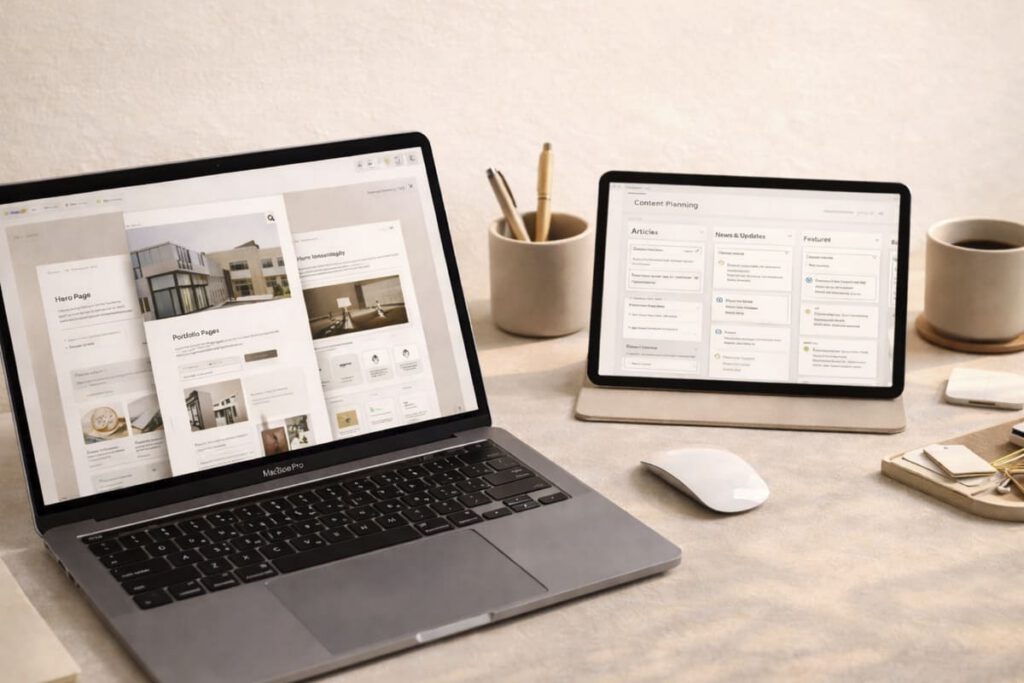
A useful template should remove decisions and repetitive setup, not create another system that needs constant adjustment. Before choosing one, it helps to look beyond the preview and test how well the template fits the actual work you need to do.
1. Start with the task, not the style
Before comparing colors, typography, or visual details, define what the template is supposed to help you accomplish. A template that works well for a one-off presentation may be a poor choice for something you need to reuse every week.
Before choosing, answer four basic questions
- What is the actual task: a landing page, presentation, content plan, client document, or something else?
- Who will work with it: you, a team member, a client, or a contractor?
- Will it be used once or repeatedly?
- What matters most: a fast start, flexibility, presentation quality, or easy editing?
Once the task is clear, many attractive but unsuitable options become easy to eliminate.
2. Look at the structure before the decoration
The most useful templates usually have a clear underlying structure. You should be able to understand the hierarchy of the page or document before focusing on decorative details.
A strong structure usually has
- a clear hierarchy between sections;
- a logical order of information;
- headings that make the content easy to scan;
- consistent spacing and reusable patterns;
- few elements that exist only for decoration.
Visual complexity is not automatically a problem. It becomes a problem when removing one decorative element breaks the layout or when every new piece of content requires manual adjustment.
3. Test flexibility with real content
Structure tells you whether the template is organized well. Flexibility tells you whether that structure survives when the polished demo content is replaced with your own.
For example, if you are evaluating a landing page template, try to imagine the hero with a longer headline, a different image ratio, one section removed, another section duplicated, and a real form instead of placeholder content. If the whole page immediately starts to fall apart, the template may be too dependent on its demo.
A simple stress test
- replace a short heading with a long one;
- swap the example image for a different aspect ratio;
- remove a section you do not need;
- add more or less copy than the demo uses;
- check whether the layout still feels intentional.
A flexible template should tolerate these changes without forcing you to rebuild its basic logic.
4. Check the practical details before buying
A good preview does not always show the details that determine whether a template will be convenient to use after purchase.
- Required software and version: confirm the exact application, plugin, theme, or editor needed.
- Editable elements: check whether text, colors, fonts, images, spacing, and reusable components can be changed easily.
- Responsive behavior: for web templates, inspect navigation, columns, images, and forms on smaller screens.
- Accessibility and structure: look for meaningful headings, sensible reading order, sufficient contrast, alt-text support, and semantic markup where relevant. The W3C guidance on writing and content structure provides a useful baseline.
- License: confirm whether the template can be used commercially, modified, or used for client projects.
- Documentation: check whether setup instructions and file organization are understandable.
- Switching cost: consider what remains usable if you later change platforms, themes, or software.
The same principle applies when choosing digital tools that genuinely simplify a workflow: the tool should reduce work rather than create a new maintenance task.
5. Choose for reuse, not collection
A large library of templates is not necessarily more useful than one or two templates that fit real recurring tasks.
Before buying another template, ask whether it solves a problem you have now, whether you can adapt it without fighting its structure, and whether you are likely to use it again. If the answer is yes, it has a much better chance of becoming part of the workflow instead of another unused file.
The most useful template is usually not the one with the most features. It is the one that gives you a reliable starting point and stays out of the way once the real work begins.